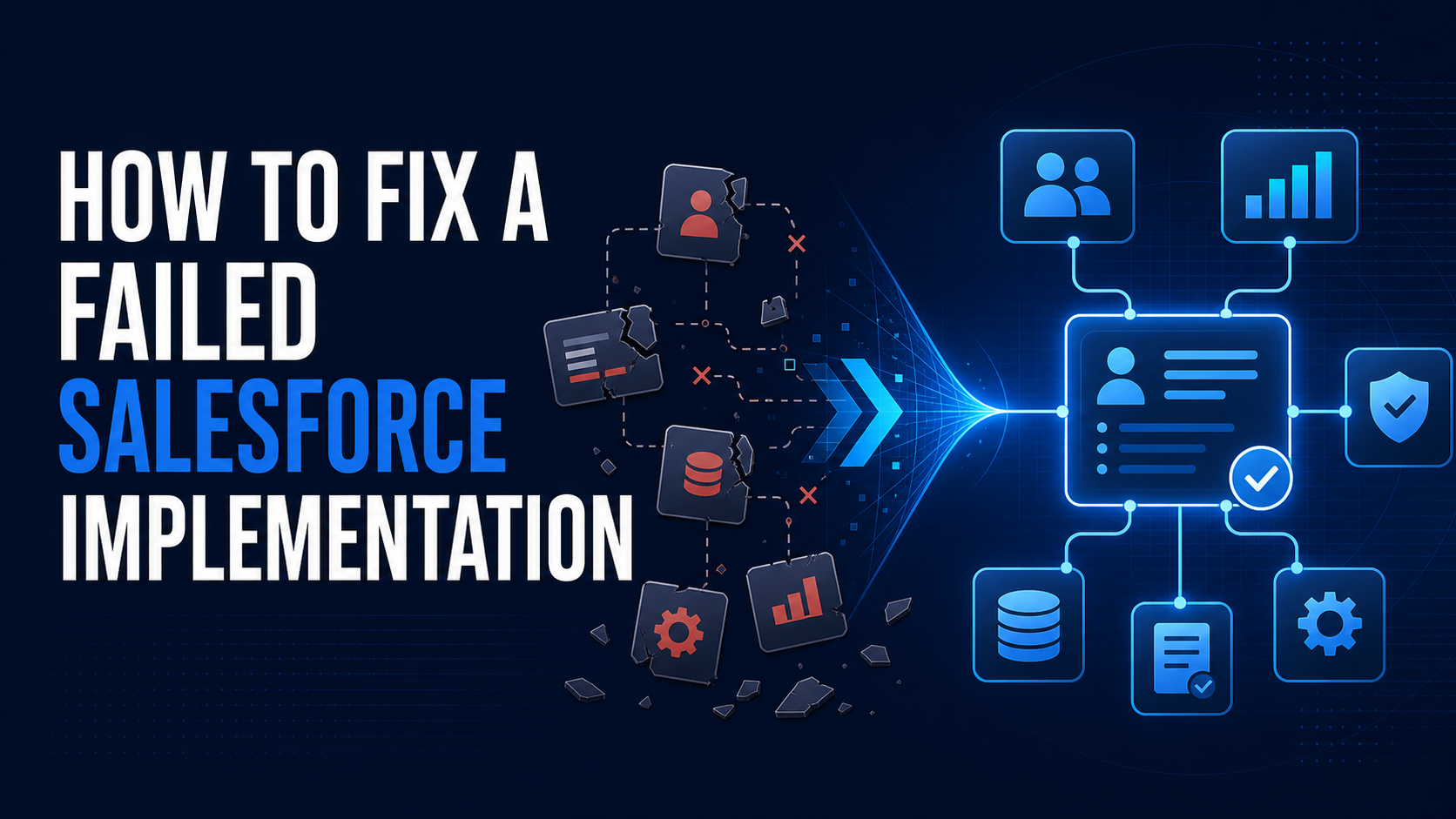
A Salesforce implementation that never really worked should not be "fixed" by immediately adding more fields, flows, dashboards, or training. Start by stabilizing the environment, identifying why the system failed to support the business, and defining the smallest recovery plan that restores trustworthy operations.
The platform may be technically live. Users may be able to log in. Reports may even exist. But if the team still runs the business in spreadsheets, managers rebuild forecasts manually, and nobody trusts the data, the implementation did not deliver an operating system. It delivered software.
Recovery begins when you stop treating every visible complaint as an isolated Salesforce ticket and examine the system as a connected business problem.
A Failed Implementation Is Not Always a Failed Platform
Salesforce is often blamed for decisions made around it: unclear processes, conflicting stakeholder requirements, rushed data migration, weak testing, disconnected integrations, or no ownership after launch. Replacing the platform without addressing those conditions can reproduce the same failure in a different tool.
Before deciding to rebuild, separate three questions:
Is Salesforce configured incorrectly for the process the company actually uses?
Is the underlying revenue process unclear or inconsistent across teams?
Is the system reasonably designed but poorly adopted, governed, or maintained?
Those answers determine whether you need targeted repair, selective redesign, or a broader reimplementation. They also prevent a frustrated team from spending months rebuilding components that were not causing the problem.
Stop Adding Features Until the Current State Is Understood
A struggling implementation usually has an active backlog. Every department has a request. Leadership wants new dashboards. Sales wants fewer fields. Marketing wants different routing. Operations wants more automation. Continuing to deliver those requests while the foundation is unclear makes the recovery harder.
Put nonessential enhancements on hold long enough to establish a reliable baseline. This is not a permanent freeze. It is a controlled pause that prevents new work from hiding or multiplying existing problems.
Document what the system must support today:
How leads enter, qualify, route, convert, and receive follow-up
How opportunities progress and what each stage means
How ownership changes across marketing, sales, customer success, and finance
Which data leadership uses for forecasting and operational decisions
Which integrations move critical revenue or customer information
Which manual workarounds users depend on to finish their jobs
The Salesforce org audit checklist provides a structured way to examine process, data, security, automation, integrations, reporting, adoption, and governance before recommending changes.
Find the Root Cause Instead of Repairing Symptoms
A failed implementation rarely has one cause. More often, several design and ownership failures reinforce one another.
The process was never defined
If sales leaders disagree about qualification, opportunity stages, ownership, or forecasting, Salesforce cannot create alignment by itself. Configuration will reflect whichever stakeholder had the strongest influence during the project, while everyone else works around it.
The data model does not match the business
The org may store important information on the wrong objects, duplicate the same concept across multiple fields, or require data before users can reasonably know it. The result is incomplete records, conflicting reports, and automation built on unreliable inputs.
Automation multiplied the confusion
Flows, validation rules, Apex, integrations, and package logic may all touch the same records. When nobody understands execution order or ownership, every fix carries a risk of breaking something else.
Testing proved configuration, not usability
A script can confirm that a field updates or a flow completes. It cannot prove that a seller understands the workflow, that an integration handles real production data, or that leadership receives a trustworthy number. Recovery testing must cover business outcomes, edge cases, permissions, failure paths, and real user behavior.
Ownership disappeared after launch
Go-live is not the end of a Salesforce implementation. Someone must own priorities, architecture, data quality, releases, documentation, training, and issue escalation. Without that operating model, even a solid implementation degrades.
Choose Repair, Selective Rebuild, or Reimplementation
Not every troubled org needs to be rebuilt. Use the least disruptive option that can produce a trustworthy result.
Repair when the core data model and process are sound but specific automation, reports, permissions, or integrations are broken.
Selectively rebuild when a major workflow, such as lead management, opportunity management, or renewals, was designed incorrectly but the surrounding org remains usable.
Reimplement when foundational objects, security, integrations, and revenue processes are so tightly misaligned that incremental work would preserve more risk than it removes.
A reimplementation should be an evidence-based decision, not an emotional reaction to a bad launch. Preserve what works, retire what does not, and make every migration or architecture change earn its cost and disruption.
Use a Five-Phase Salesforce Recovery Plan
A practical recovery program moves in a deliberate order:
Stabilize. Protect critical operations, pause risky changes, address security exposure, restore failing integrations, and create temporary manual controls where necessary.
Diagnose. Map the real business process, inspect configuration and data, interview users, trace integrations, and document evidence behind each problem.
Prioritize. Rank findings by operational impact, risk, dependency, and effort. Separate urgent stabilization from valuable improvement and low-value cleanup.
Redesign and deliver. Rebuild the smallest coherent process that solves the business problem, then release it in testable increments.
Operationalize. Assign ownership, document decisions, train by role, monitor adoption and data quality, and establish a recurring governance cadence.
The sequence matters. Cleaning data before deciding the future model creates rework. Building automation before clarifying ownership automates ambiguity. Training users before fixing a bad workflow teaches them to tolerate the wrong system.
Rebuild Around the Work Users Actually Perform
Do not begin recovery workshops by asking users which Salesforce features they want. Ask them to walk through the work.
What information arrives first? What decision happens next? Who owns it? What exceptions occur? What must be visible to the next team? What does leadership need to know? Where does the process leave Salesforce today?
Then translate that operating reality into objects, fields, stages, automation, permissions, and reports. The goal is not to reproduce every workaround. It is to understand why the workaround exists and design a simpler controlled path.
Users should be included in design and acceptance testing, but the system should not become a collection of individual preferences. A product owner or governance group must make decisions for the shared operating model.
Restore Trust With Proof, Not Promises
Telling users that Salesforce is fixed will not restore confidence. The system has to produce visible evidence.
Critical workflows complete without manual rescue
Ownership and routing rules behave predictably
Reports reconcile to agreed source data
Integrations surface failures and retries instead of failing silently
Required fields appear at the right moment in the process
Managers can explain the numbers without rebuilding them offline
Users know where to report issues and who owns the response
Use role-based acceptance tests with realistic records and edge cases. Define what must be true before each release, how rollback works, and who signs off. Salesforce's Well-Architected guidance emphasizes reliability, recovery tactics, testing, and clear operational ownership rather than assuming every change will behave perfectly in production.
Give the Recovered System an Owner
The implementation will slide backward if the recovery ends with another handoff and no operating model.
Assign named responsibility for product decisions, administration, architecture, data stewardship, release management, integrations, and user enablement. Establish a regular cadence for reviewing incidents, data quality, adoption signals, automation failures, and backlog priorities.
If you are deciding how to divide that responsibility, the comparison between a Salesforce administrator and a consulting partner explains when internal ownership is enough and when recovery requires broader architecture or delivery capacity.
For an initial signal on data, reporting, automation, adoption, and scalability risks, start with the CRM Health Grader. If the problems cross processes, integrations, architecture, and governance, use a structured assessment before committing to another large implementation.
What a Successful Recovery Should Produce
The output is not a cleaner setup menu. It is a Salesforce environment that the business can operate and improve.
A documented revenue process with clear ownership and decision points
A data model that supports reporting and automation without unnecessary complexity
A prioritized architecture and remediation roadmap
Tested critical workflows and integrations with visible failure handling
Role-based training tied to real work
Reliable management reporting with agreed definitions
A governance model for changes, releases, documentation, and continuous improvement
If the original implementation never became useful, do not restart by purchasing more technology or writing a larger backlog. Start by creating a shared, evidence-based picture of what the business needs and why the current system cannot deliver it.
CRM Hacker's Salesforce and RevOps consulting services can help diagnose a troubled implementation, define the right recovery scope, and turn the findings into a practical delivery plan.
About CRM Hacker
CRM Hacker helps scaling companies build Salesforce, RevOps, and AI-ready revenue systems that reduce operational chaos and improve visibility. If your Salesforce implementation is technically live but still cannot support the business, review our Salesforce consulting services or Contact CRM Hacker to discuss a focused recovery assessment.