"Can we automate the handoff?" sounds like a small request. Create a task when a deal closes, assign it to the right person, and save everyone a few clicks.
Then a rep corrects the opportunity, another automation changes the owner, and the onboarding team receives a second task. The flow ran successfully. The process didn't.
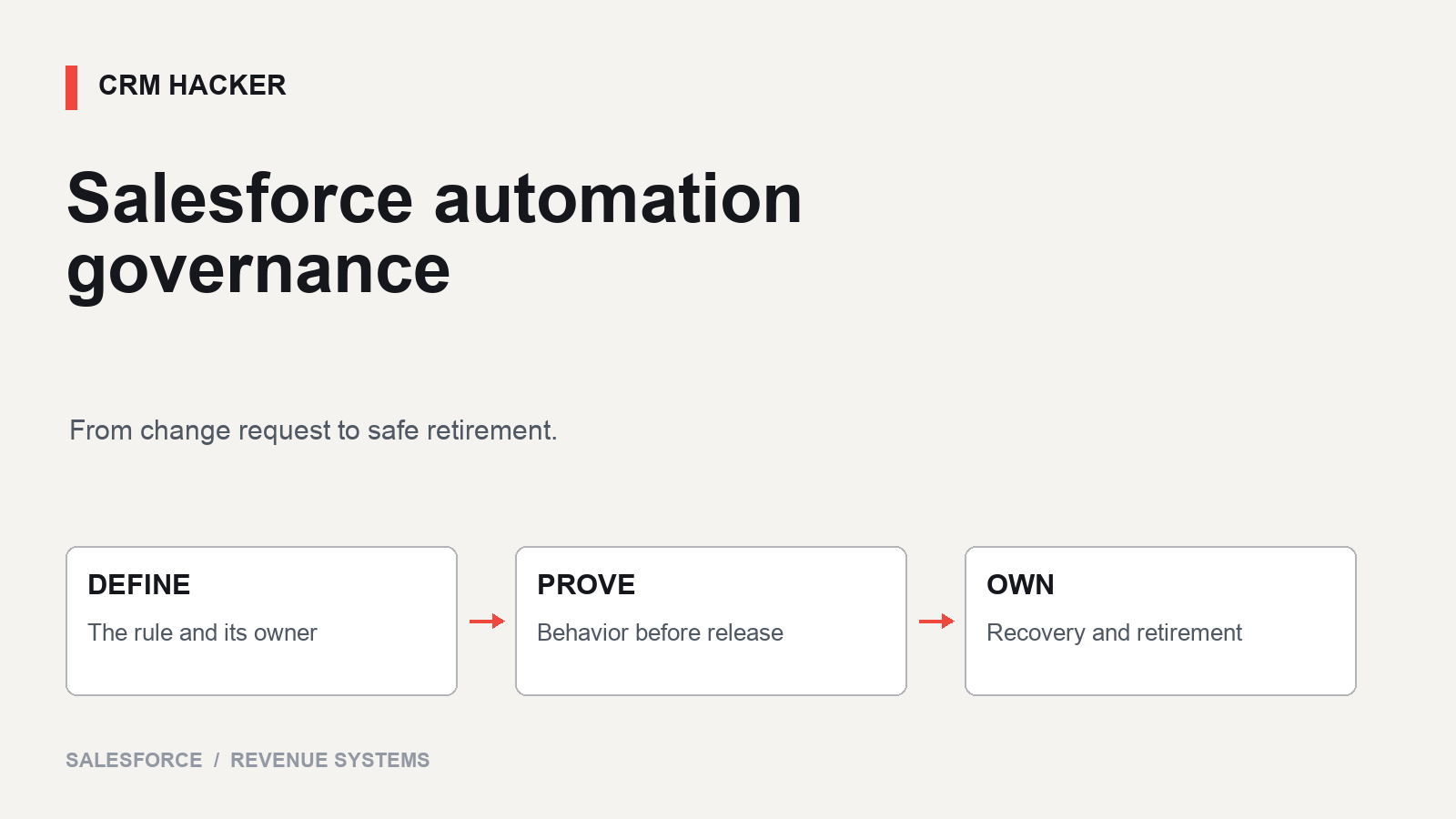
Salesforce automation governance is the operating agreement around a change: why it exists, who owns its behavior, how we test it, when we release it, and what we do if the outcome is wrong. It should help a team ship useful changes without making every request wait for a committee.
Let's follow one hypothetical automation through that lifecycle. The example is illustrative; it isn't a claim about a client org or a ready-to-install flow.
Turn the request into a business rule
Our example company wants to create an onboarding task when a new-business opportunity first becomes Closed Won. The task goes to the designated onboarding owner and should be due two business days later.
Before opening Flow Builder, the process owner and builder settle the ambiguous parts:
Renewals are excluded from this specific handoff.
Correcting an already-won opportunity must not create another task.
Reopening and winning the same opportunity again must not automatically repeat onboarding.
A missing onboarding owner goes to a defined exception process.
Business-day calculation follows the company's agreed calendar and time zone.
Those are proposed rules for this example, not universal sales practices. Another company may need a second onboarding cycle after reopening. The point is to decide deliberately.
Record the expected benefit in observable terms: eligible deals have one assigned onboarding task by the agreed deadline. "Reduce manual work" is a reason to investigate, but it doesn't tell us whether the release worked.
Start with a consistent definition of opportunity stages. Automation can't resolve disagreement about what Closed Won means by running faster.
Give the change three named owners
For this small workflow, name a business owner who approves the rule, a technical owner who maintains it, and a release owner who verifies the production outcome. One person may hold more than one role, but none should be "whoever notices."
Keep the change record short: purpose, eligibility, exclusions, records affected, dependencies, acceptance tests, release steps, recovery steps, and review date. Link the actual flow or code and its version after implementation.
Increase review depth when the effect becomes harder to reverse. A change that sends customer messages or updates commercial commitments deserves more scrutiny than an internal reminder. Emergency work can use an expedited path with a named decision-maker and a follow-up review; urgency doesn't erase ownership.
This is the automation-specific layer beneath a broader CRM governance framework.
Review what already runs on the record
Inventory the existing automation that reads or changes Opportunity, creates onboarding tasks, or assigns the relevant owner. Include flows, Apex, managed-package behavior, and integration updates. Record execution timing and dependencies before adding another entry point.
Salesforce's architecture guidance evaluates record-triggered automation using factors such as automation density, maintainability, and performance. It provides a framework for choosing Flow, Apex, or a disciplined hybrid approach. See the Record-Triggered Automation guide.
For our example, the reviewer needs to know whether another process sets the onboarding owner after the proposed task-creation step. A perfectly valid assignment rule can still be too late for the task that depends on it.
Decide where the handoff belongs in the existing architecture. Don't build a second competing onboarding mechanism just because a new flow is easy to create. Also avoid turning a small request into an unrelated rewrite of every automation in the org.
Write the tests before the release steps
Use the business rules to build a compact acceptance set. For our hypothetical handoff, the expected outcomes are concrete:
A qualifying new-business opportunity becomes won: one task is created for the correct owner with the agreed due date.
A renewal becomes won: this automation creates no task.
A rep edits the description after the deal is won: no additional task appears.
A won deal is reopened and won again: the original handoff is preserved without automatic duplication.
The onboarding owner is missing: the defined exception is visible and assigned for resolution.
Several eligible and ineligible records arrive through a bulk update: results match the rules without cross-record contamination.
The event falls before a weekend or holiday: the due date follows the agreed business calendar.
The builder must implement and test the mechanism that prevents repeated handoffs. A transition check alone doesn't answer the reopened-deal case. Consider the business event's durable identity and how the design behaves if updates overlap; don't assume a record lookup by itself proves concurrency safety.
Salesforce supports automated testing for eligible flow types and provides assertions and test-data capabilities. The supported features and limitations depend on the flow and configuration. Review Salesforce's automated flow testing documentation when choosing the test method.
Complement those tests with the actual user and integration paths, permissions, and downstream behavior. A successful debug run is evidence about that run, not proof that every production interaction is safe.
Separate deploying from accepting the release
Before deployment, record the version being released, its dependencies, the currently approved version, and who can stop the release. Confirm the release window and how the team will identify affected records.
Salesforce's deployment guidance calls out differences between environments and the need to verify the intended flow version and production configuration. The Trailhead deployment walkthrough is a useful reference for that final check.
For this example, production acceptance means verifying an authorized, controlled handoff through the real entry path, confirming the task's owner and due date, and checking that an excluded case stays excluded. Plan the test records and side effects in advance. Don't send a real customer a "test" notification and call it harmless validation.
Record actual evidence: version, time, record references, expected outcome, observed outcome, and reviewer. "Deployed" and "accepted" are separate states in the change record.
Write two recovery plans, not one rollback button
One plan stops or replaces the faulty behavior. The other repairs its consequences.
Salesforce documents that activating a new flow version deactivates the previously active version. Flow Management Considerations describes version-management behavior. Version activation is not a reversal of records already created or actions already completed.
For our task example, the technical plan might restore a verified prior version or suspend the specific automation using the org's approved procedure. Check dependencies and any waiting or queued work before treating the change as contained.
The data-repair plan identifies tasks created during the affected interval, distinguishes valid work from duplicates, and gets the process owner's decision on reassignment or closure. Preserve work people have already completed. Don't mass-delete a task set because its creation time looks suspicious.
Define the stop condition before release: for example, any confirmed duplicate handoff or systematically incorrect due date triggers review and containment. The threshold should reflect the business effect, not how quickly an engineer can dismiss the error email.
Review the outcome and retire the old path
After release, compare eligible opportunities with expected handoffs. Review missing tasks, duplicates, wrong owners, and overdue exceptions. Flow errors matter, but a task assigned to the wrong person may be technically successful.
Give exceptions a place to land and a person to resolve them. Set the review interval around the workflow's volume and consequence. A low-volume monthly process needs a different observation window from a busy daily handoff.
When the company replaces this onboarding process, identify the consumers and pending work before deactivation. Confirm the replacement covers the approved rules, preserve the relevant history, and document why the old version was retired. Remove obsolete dependencies only after the team verifies they're unused and recoverable as required.
An automation without a retirement decision tends to become Salesforce technical debt: still running, poorly understood, and surprisingly influential.
About CRM Hacker
We help teams make Salesforce automation easier to trust and maintain. Our Salesforce consulting connects process design, testing, release discipline, and operational ownership.
If a small automation change keeps turning into a production investigation, let's untangle this. Contact CRM Hacker for a free initial conversation. Detailed audits and implementation work are scoped separately as paid engagements.